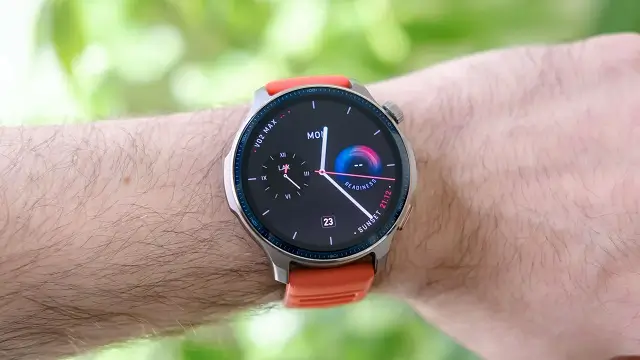
An important new firmware update, version 3.22.0.4, is being rolled out to Amazfit Balance 2 smartwatches. This update brings a variety of new features and significant optimizations to improve the user experience. The update is being distributed in phases, so some users may receive it before others.
New Health and Fitness Features
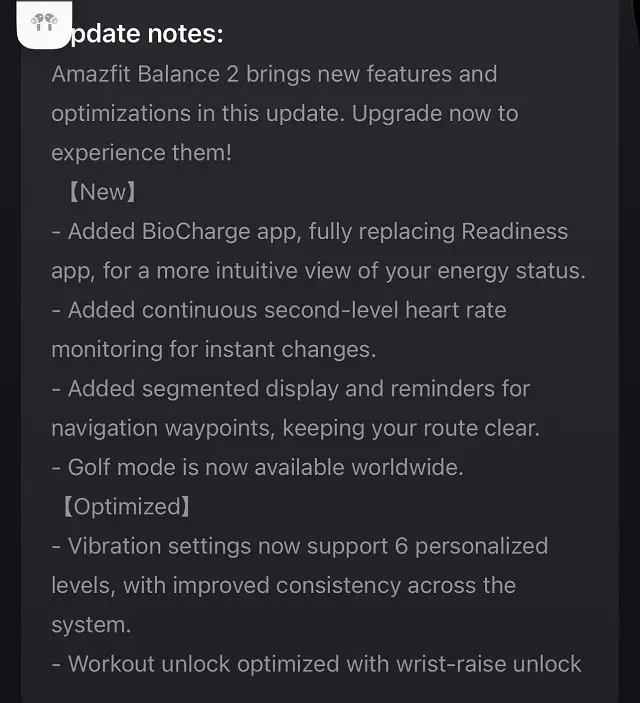
The update completely replaces the old Readiness app with a new and improved BioCharge app. This new application provides a more intuitive way to view your energy status. Another key addition is continuous second-level heart rate monitoring, which allows for more instant and precise tracking of heart rate changes. The Golf mode is now also available worldwide, making this popular feature accessible to a much broader audience.
Enhanced Navigation and Usability
The firmware update enhances the navigation experience by introducing a segmented display and reminders for navigation waypoints, making it easier to follow a planned route. Additionally, the system’s usability has been improved with a new wrist-raise unlock for workouts, which makes accessing the device more convenient during physical activity.
System-Wide Optimizations
In addition to the new features, the update includes several optimizations designed to refine the overall performance of the smartwatch. The vibration settings now support six personalized levels, offering more customization options. The update also improves the consistency of these vibrations across the entire system.
How to Get the Update
This update is being released in phases, and not all users will receive it simultaneously. While some users have already started to get the new firmware, others may have to wait a few days. To check for and install the update, make sure your Amazfit Balance 2 is connected to the Zepp app on your smartphone. You can then go to Profile > My Devices> Amazfit Balance 2 > System Update to check if the new version is available for your device. It is recommended that you have a sufficient battery charge on your watch before beginning the update.
You May Also Like To Check Out: The New and Latest Smartwatches 2025