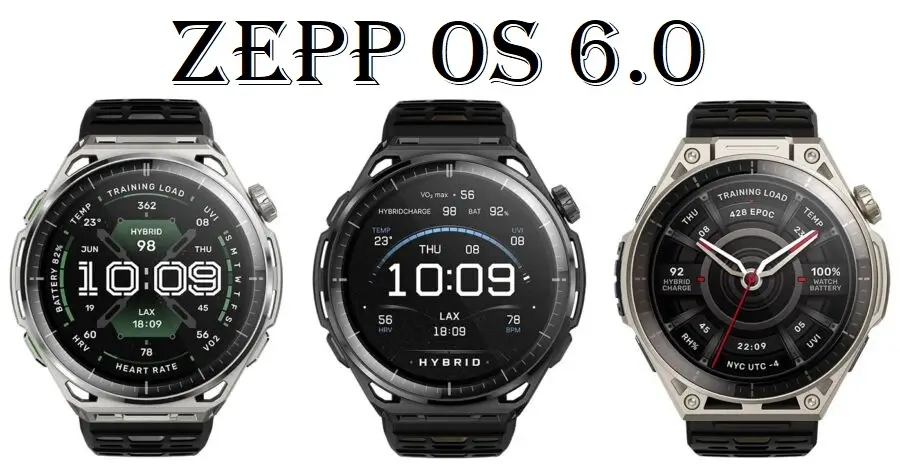
Amazfit is shaking things up for smartwatch users. The company has officially rolled out its brand-new operating system, Zepp OS 6, launching it first on their latest premium wearables: the Balance 3 and the Balance Ultra.
If you own an older Amazfit watch, the interface probably feels like second nature by now. But Zepp Health decided it was time for a major rethink. They didn’t just add a few new features; they completely redesigned how the watch feels, moves, and tracks your life.
Here is a breakdown of what makes Zepp OS 6 different, written simply and straight to the point.
A New Way to Swipe (Say Goodbye to Old Habits)
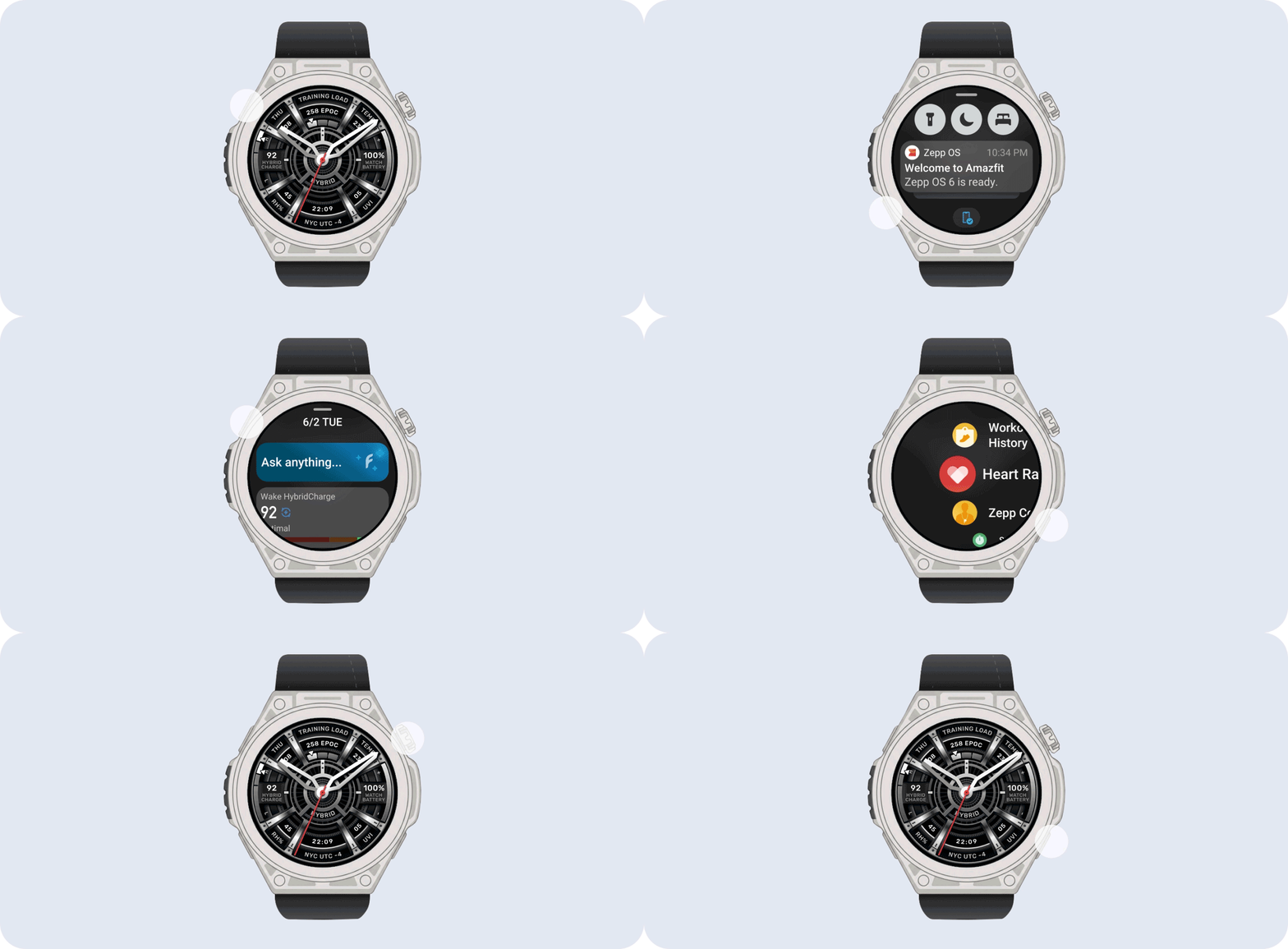
The biggest change you will notice immediately is the “Launcher”—the main menu system. In the past, different Amazfit watches had different swiping shortcuts, which got a bit confusing. Zepp OS 6 fixes this by standardizing the controls around the watch face.
Now, every movement has a dedicated purpose:
-
Swipe Right: Opens your workout list.
-
Swipe Left: Opens your app list.
-
Swipe down: Shows your notifications and quick settings.
-
Swipe Up: Brings up your “Shortcut Cards” (glanceable info like weather and step counts).
Zepp actually removed the old horizontal widgets because they did the same job as the Shortcut Cards. By moving everything into a vertical scrolling list, it is much easier to read messages and check your daily stats on a tiny screen.
Built for Sweaty Workouts
If you have ever tried to use a touchscreen while running in the rain or sweating heavily at the gym, you know how frustrating it is.
Zepp OS 6 gives the watch’s physical buttons a much bigger role. You can now start workouts and navigate menus using the buttons instead of tapping a wet screen. There is also a new Device Lock feature that stops your sleeve from accidentally pausing a workout.
Key Health and Fitness Upgrades
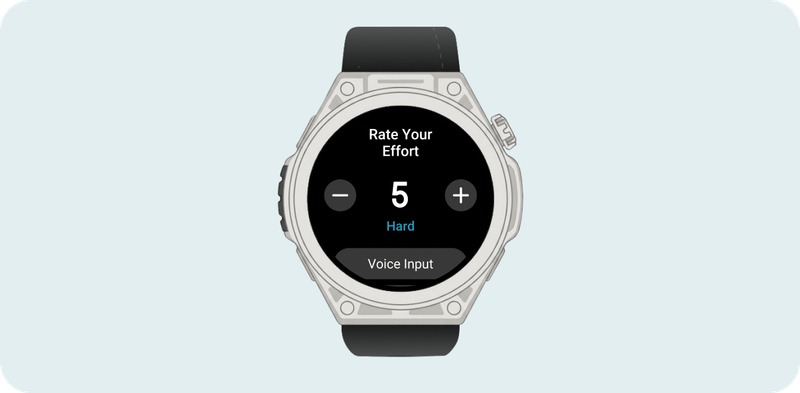
The software inside is also much smarter about how you train and recover. Here are the standout features:
1. “HybridCharge” and LifeLoad
Most watches tell you how ready you are for a workout based purely on your sleep. Zepp OS 6 introduces LifeLoad. This lets you manually log external factors such as stress, illness, alcohol intake, travel, or jet lag. The watch combines this data with your heart rate to give you a truer picture of your daily energy. It will even send you a “Boundary Reminder” mid-workout if your body is working too hard and needs a break.
2. Advanced Running Tools
For runners, the watch now calculates Grade-Adjusted Pace. This means that if you are running up a steep hill, the watch adjusts its pace reading to reflect how hard you are actually working compared to running on flat ground. It also estimates your Lactate Threshold, helping you find the perfect heart rate zones for endurance training.
3. Better Gym and Gear Tracking
Are you into CrossFit or HYROX races? Zepp OS 6 adds official HYROX templates, alongside specific modes for AMRAP and Tabata workouts. Even cooler? A new Gear Management feature tracks the exact mileage on your running shoes or bicycle tires, sending you a notification when it’s time to replace them.
What About Older Amazfit Watches?
If you don’t have a Balance 3 or Balance Ultra yet, don’t worry. You might not have to buy a brand-new watch just to try these features.
Word is that Amazfit may roll out Zepp OS 6 to older smartwatches in the coming days. Popular devices like the rugged T-Rex 3, the mid-range Balance 2, and the runner-focused Active 3 are expected to be high on the update list. Keep a close eye on your Zepp phone app for software update notifications over the next few weeks.
The Verdict
Change can be tough, and rewriting your muscle memory for a smartwatch screen takes a few days. However, Zepp OS 6 feels like a necessary step forward. By cleaning up the menus, leaning into physical buttons, and looking at health through a more “human” lens (like tracking alcohol and stress), Amazfit is making its lineup a formidable competitor in the smartwatch market.
You May Also Like To Check Out: The New and Latest Smartwatches 2026