
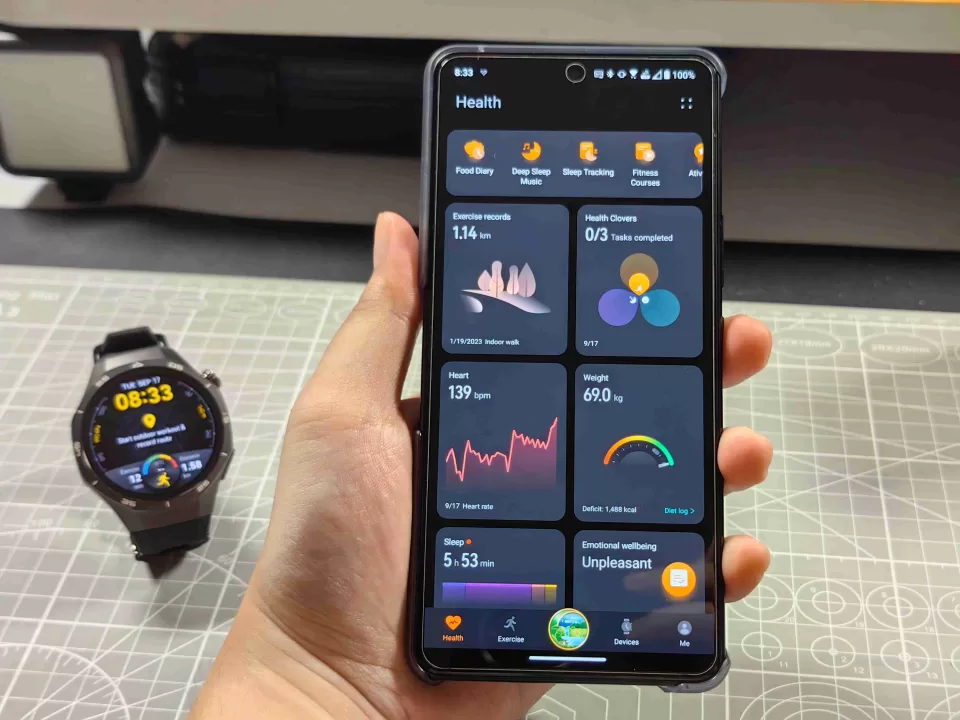
Huawei has officially kicked off the rollout for a significant refresh of its Health App, bringing the software to version 16.1.2.310. This latest build weighs approximately 193 MB, making it a relatively quick download that delivers new functionality and improved performance.
Smarter Coaching and Event Support
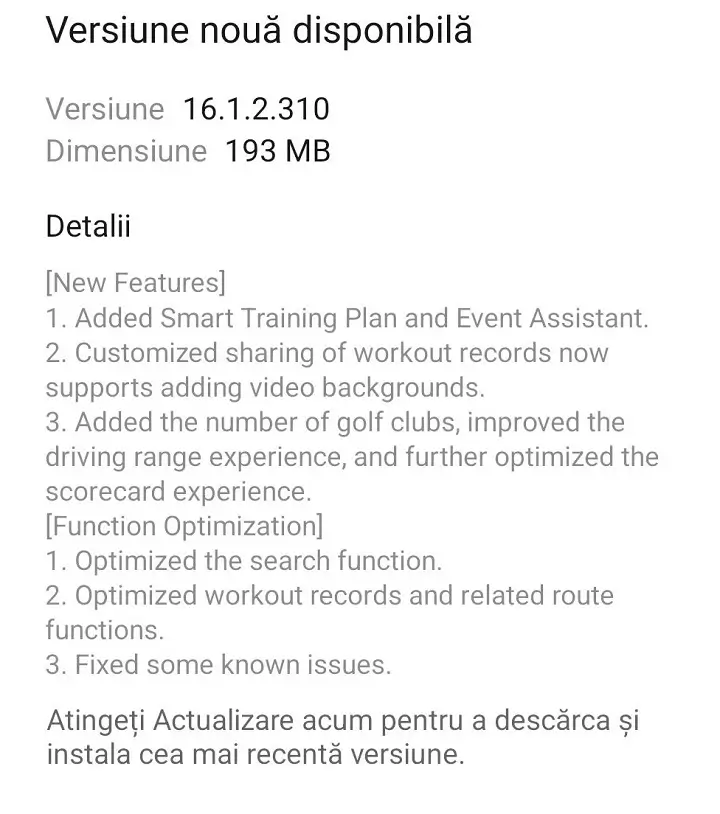
The headline addition in this release is the introduction of the Smart Training Plan, along with a dedicated Event Assistant. These tools are designed to provide users with more structured guidance, whether they are training for a specific milestone or looking for a more personalized fitness routine that adapts to their progress.
Visual Flair for Your Workouts
Sharing your fitness achievements just got a cinematic upgrade. Huawei has expanded the customized sharing feature, now allowing users to overlay their workout stats onto video backgrounds. This adds a dynamic layer to social sharing, moving beyond static images to create more engaging content for your followers and friends.
Refined Golfing Experience
Golf enthusiasts will find several targeted improvements in this version. The update introduces the ability to track a specific number of golf clubs, providing more granular data for your game. Additionally, the developers have polished the driving range interface and smoothed out the scorecard experience, ensuring that the app remains a reliable caddy on the green.
Performance Tuning and Bug Fixes
Beyond the new bells and whistles, version 16.1.2.310 focuses heavily on backend efficiency:
-
Enhanced Search: Finding specific data or settings is now faster and more intuitive.
-
Route Optimization: The mapping and route-tracking functions within workout records have been stabilized for better accuracy.
-
General Stability: As with most incremental updates, this patch addresses “known issues,” squashing minor bugs to ensure a smoother overall user experience.
How to Install the Update
To get the latest version, Android and EMUI users should open the Huawei Health app, tap on the “Me” tab, and select “Check for updates.” Alternatively, you can visit the Huawei AppGallery, navigate to the “Me” section, and check “App updates” to trigger the download. For iOS users, simply head to the Apple App Store, tap your profile icon, and scroll down to find Huawei Health in your pending updates list.