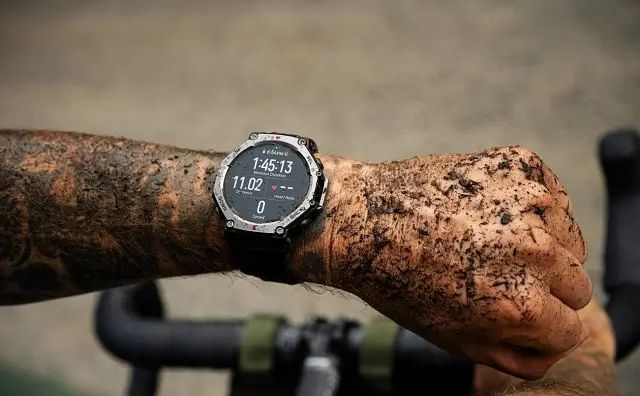
Amazfit is releasing a new firmware update (version 3.10.4.1) for the Amazfit T-REX 3 smartwatch. This update introduces a number of significant enhancements, from new running metrics to expanded sports support and improved navigation features.
Enhanced Running Dynamics
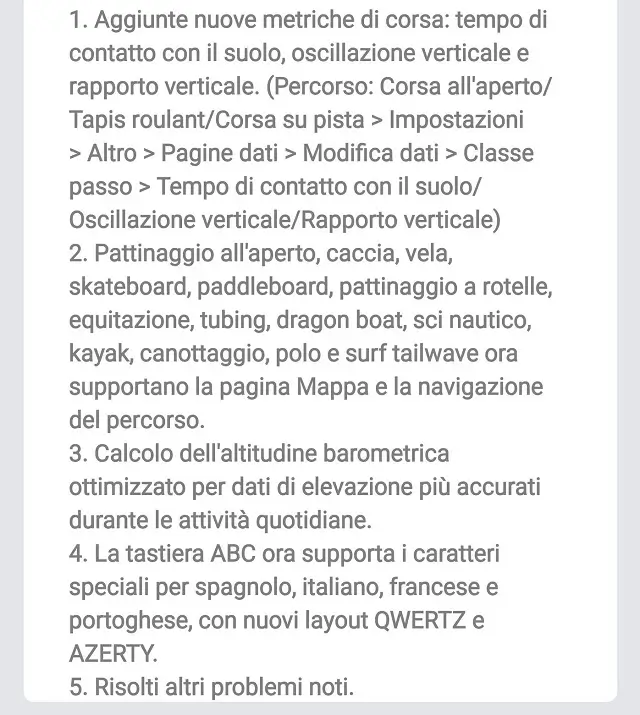
Runners will be excited about the new metrics now available. The update adds ground contact time, vertical oscillation, and vertical ratio to your running data. These metrics can help you analyze your form and performance more precisely. To enable them, navigate to your desired running mode (Outdoor Run, Treadmill, or Track Run) and go to Settings > More > Data Pages > Edit Data > Step Class. From there, you can select and add the new data fields to your display.
Broader Sports and Navigation Support
The new firmware significantly expands the list of sports that support map view and route navigation. This is a big win for outdoor enthusiasts. A wide range of activities, including outdoor skating, hunting, sailing, skateboarding, paddleboarding, roller skating, horseback riding, tubing, dragon boat, water skiing, kayaking, rowing, polo, and tailwave surfing, can now leverage the smartwatch’s navigation features.
Other Notable Improvements and How to Update
In addition to the running and navigation updates, the firmware includes several other key improvements. The barometric altitude calculation has been optimized to provide more accurate elevation data throughout your daily activities. Furthermore, the ABC keyboard now supports special characters for Spanish, Italian, French, and Portuguese. It also introduces new QWERTZ and AZERTY keyboard layouts to better accommodate users in different regions. The update also includes various bug fixes and performance improvements.
How to get the update?
The rollout is happening in phases, so if you don’t see the update right away, it should be available for your device in the coming days. To check for the update on your Amazfit T-REX 3, follow these simple steps:
- Keep your smartwatch connected to your smartphone via Bluetooth.
- Open the Zepp app on your phone.
- Go to the “Profile” section.
- Select your Amazfit T-REX 3 device.
- Tap on “System Update” to check for the new firmware.
If the update is available, you will see a prompt to download and install it. It’s recommended to have your watch charged before starting the update to avoid any interruptions.
You May Also Like To Check: The New and Latest Smartwatches 2025