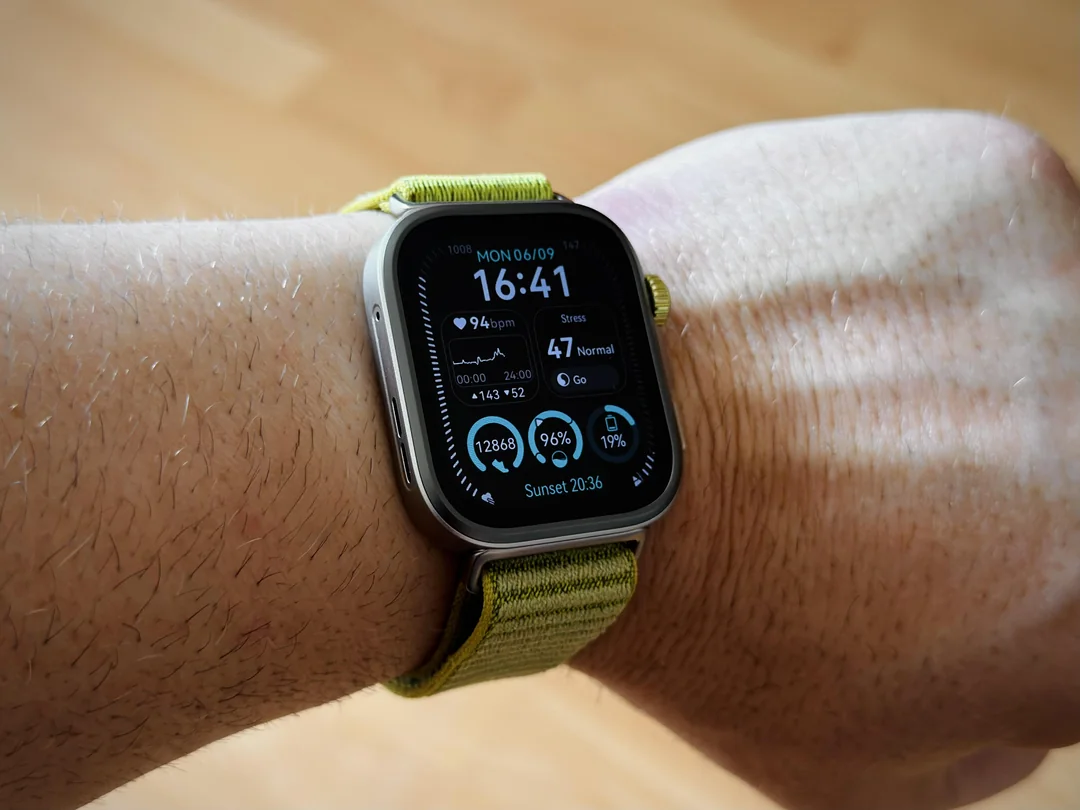
Huawei has officially begun the staged rollout of HarmonyOS 6 for the Watch FIT 4 and FIT 4 Pro. This latest firmware update version 6.0.0.22(SP3C00M03) introduces a suite of functional improvements and aesthetic customizations designed to streamline the user experience and bridge the gap between iOS and Huawei wearables.
Customization with the “Modules 2025” Watch Face
The most visible addition in this update is the Modules 2025 watch face. This interactive interface offers a high degree of personalization, allowing users to select and arrange widgets of varying sizes based on their daily needs. Beyond layout flexibility, the watch face supports a variety of color schemes, making it easier than ever to match the device’s display to your personal style or outfit.
Improved Connectivity for iPhone Users
In a significant move for cross-platform compatibility, Huawei now allows users to transfer music files directly from an iPhone to the watch. Previously, this was a friction point for iOS users. To unlock this capability, you must ensure the HUAWEI Health app is updated to version 16.0.8.305 or higher. This update grants Apple users more independence from their phones during workouts or commutes.
Streamlined Communication and Navigation
The update brings a practical rebranding to the interface: the “Call Log” has been officially renamed to “Phone.” This isn’t just a name change; tapping the app now reveals a functional keypad, allowing users to dial numbers directly from their wrist when paired with a smartphone. Additionally, notification clarity has been improved. The system now supports a wider range of third-party app icons, helping users identify the source of a message at a quick glance.
Productivity and Intuitive Gestures
Huawei has overhauled the Calendar application, introducing comprehensive week and month views for better scheduling. A dedicated calendar card has also been integrated into the Assistant TODAY screen for instant access to upcoming events. For those seeking better “quiet time” management, a new gesture allows you to mute alarm notifications instantly by simply covering the watch screen with your palm.
Rollout Information
The HarmonyOS 6 update is being released in phased batches. While some users may see the notification immediately, others might need to wait several days as the rollout expands globally. To check for the update manually, navigate to the Huawei Health app on your smartphone, select your device, and tap on “Software Update.”
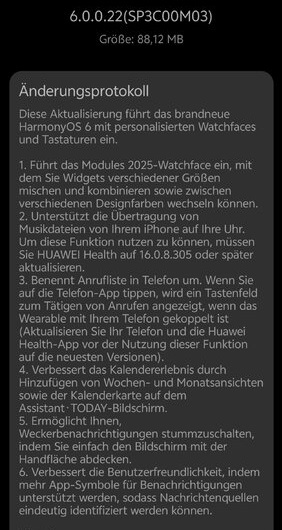
The Full Change Log:
- 1. Introduces the Modules 2025 watch face, which lets you mix and match widgets of different sizes and switch between different design colors.
- 2. Supports transferring music files from your iPhone to your watch. To use this feature, you need to update HUAWEI Health to version 16.0.8.305 or later.
- 3. Renames the call log to “Phone.” Tapping the Phone app will display a keypad for making calls when the wearable is paired with your phone (update your phone and the Huawei Health app to the latest versions before using this feature).
- 4. Enhances the calendar experience by adding week and month views, as well as the calendar card, to the Assistant TODAY screen.
- 5. Allows you to mute alarm notifications simply by covering the screen with your palm.
- 6. Improves usability by supporting more app icons for notifications, allowing message sources to be clearly identified.
You May Also Like To Check Out: The New and Latest Smartwatches 2025