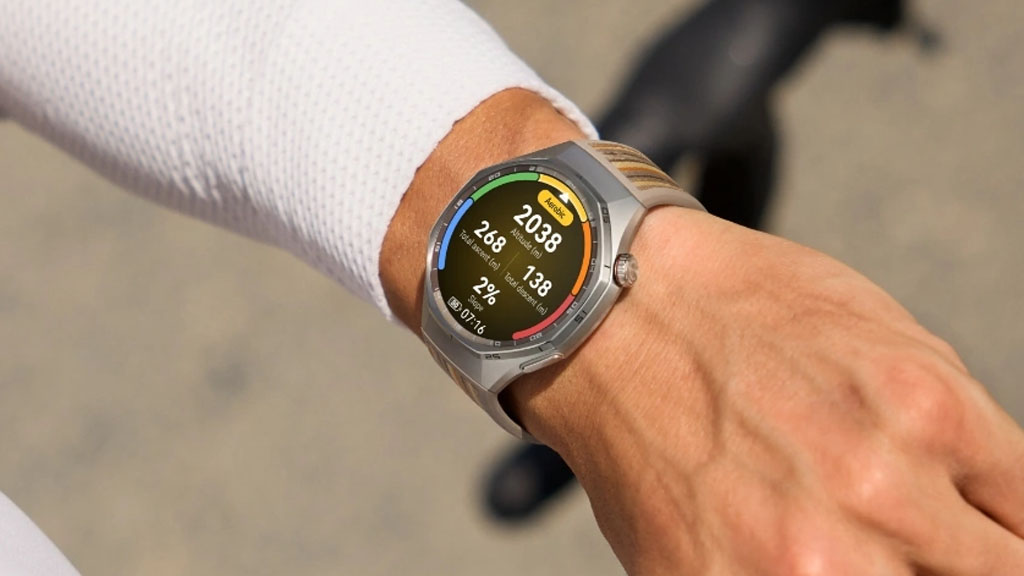
Huawei has officially begun deploying a significant software refresh for its flagship wearables. The latest firmware, designated as version 6.0.0.188(SP2C00M03), is currently making its way to both the Huawei Watch GT 6 and the GT 6 Pro. This update focuses on refining the user interface while introducing practical tools for fitness enthusiasts and smartphone integration.
Expanded Messaging and Control Features
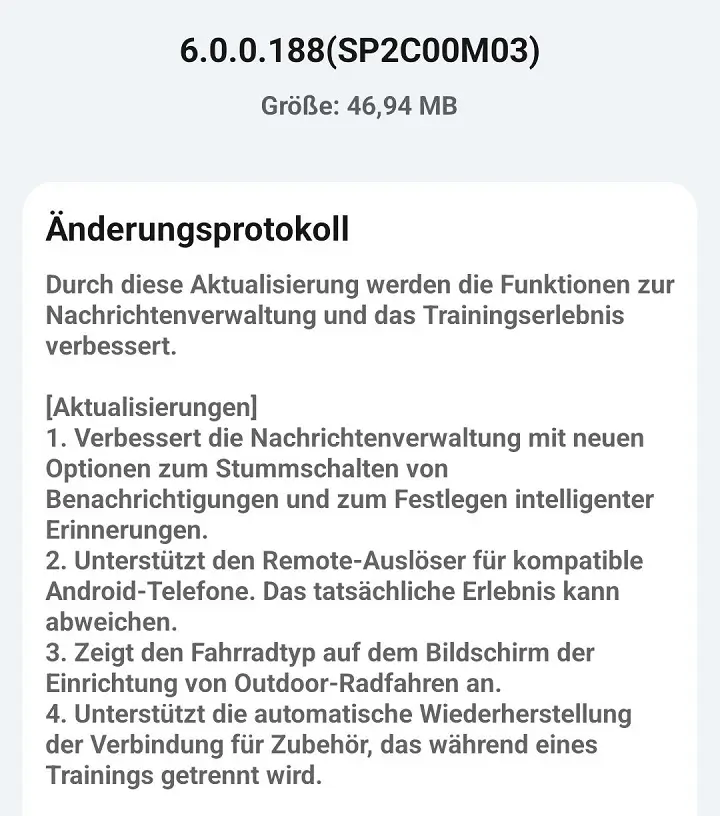
The headline of this release is a more sophisticated approach to notification handling. Users can now enjoy enhanced message management, featuring new toggles to mute specific alerts and set “smart reminders” to ensure important pings don’t get lost in the shuffle. Furthermore, the update bridges the gap between your wrist and your pocket by introducing remote shutter support for compatible Android devices, allowing you to trigger your phone’s camera directly from the watch.
Precision Upgrades for Athletes
For those who use their GT 6 for serious training, the update brings several quality-of-life improvements to the workout suite. Outdoor cyclists will now see a bike type selection on their setup screen, allowing for more specific data tracking. Additionally, Huawei has addressed a common pain point by implementing automatic reconnection for external accessories—like heart rate straps or power meters—should they drop signal during an active session.
Enhanced Accuracy and System Fluidity
Beyond new features, version 6.0.0.188 streamlines the existing experience through several key optimizations:
-
Open Water Swimming: The algorithm for calculating distance in open water has been calibrated for higher precision.
-
UI Refinements: Various interface elements have been polished for better readability and a more modern aesthetic.
-
System Stability: Under-the-hood patches have been applied to ensure the OS remains snappy and reliable during heavy usage.
How to Get the Update
As is standard with Huawei releases, this rollout is being conducted in staged phases. While a segment of the global user base has already seen the notification pop up, others may need to wait a few more days for the update to reach their region. To check for the update manually, you can navigate to the Huawei Health app, select your device, and tap on the “Software Update” menu.
You May Also Like To Check Out: The New and Latest Smartwatches 2026