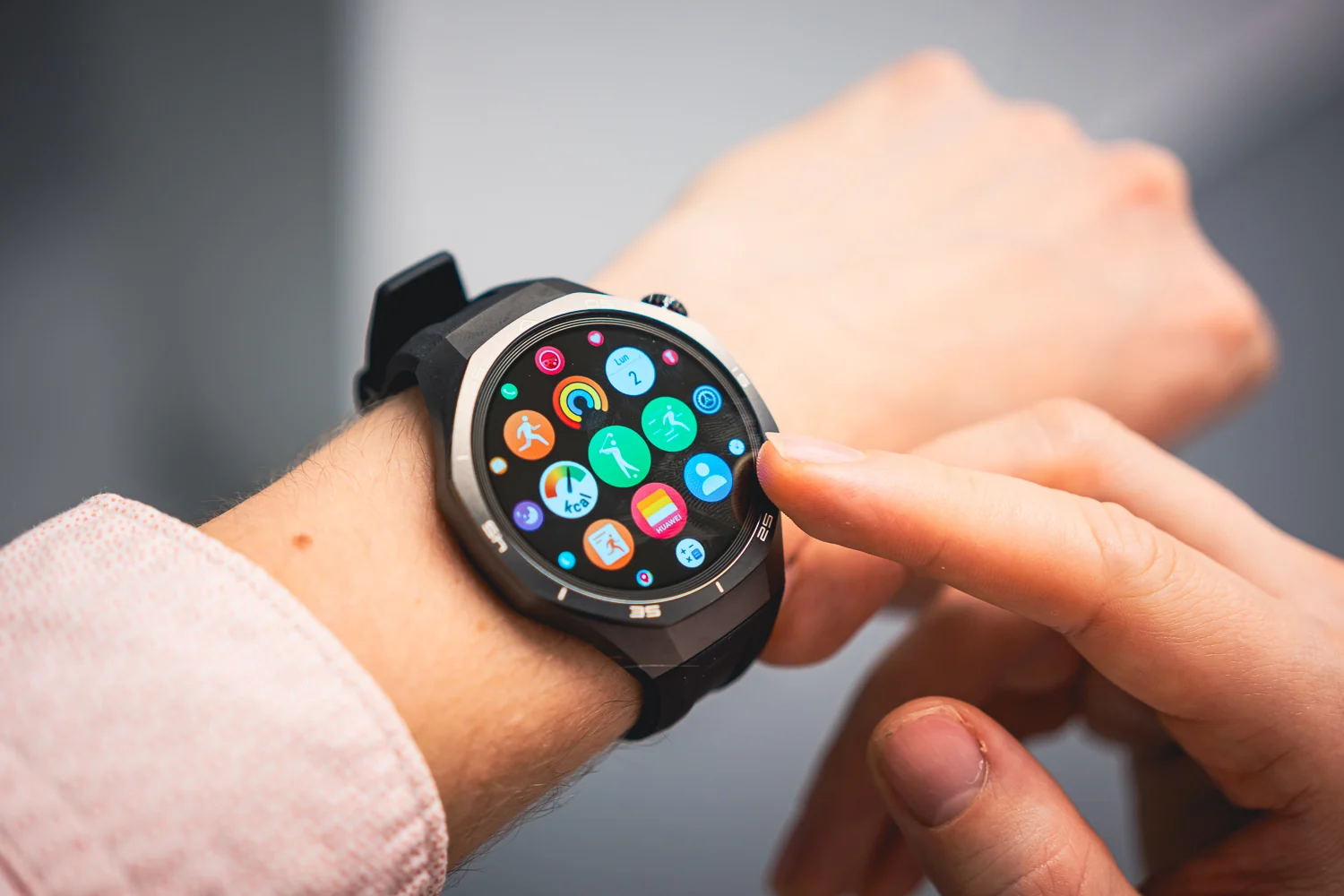
Huawei has officially begun the phased rollout of a significant software upgrade for its latest wearable flagship series. The HarmonyOS 6 (version 6.0.0.23) update is now landing on the Huawei Watch GT 5 and GT 5 Pro, bringing a comprehensive suite of aesthetic refinements and functional tools designed to bridge the gap between smartwatches and smartphones.
Refreshed Visuals and Interactive Fluidity
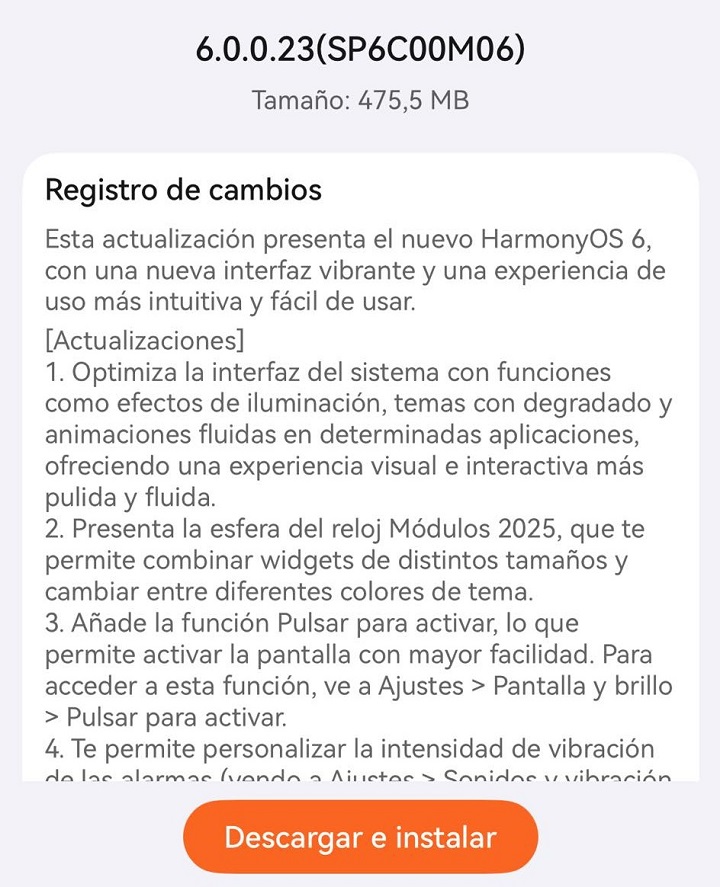
The core of this update focuses on a “polished” user interface. HarmonyOS 6 introduces sophisticated lighting effects and gradient themes that react to user input. Beyond just looks, the update brings smoother animations across various system applications, making the overall navigation feel more fluid and premium.
Personalized Style with Modules 2025
For users who value customization, the new Modules 2025 watch face is a highlight. This face allows for modular flexibility, where users can mix and match widgets of varying sizes to prioritize the data they care about most. It also supports multiple theme colors, ensuring the watch face matches your personal style or outfit.
Enhanced Control and Accessibility
Huawei has simplified how users interact with their devices through two major quality-of-life additions:
-
Tap-to-Wake: Users can now activate their screen with a simple tap, found under Settings > Display & Brightness.
-
Palm Muting: To silence a ringing alarm, you can now simply cover the watch screen with your palm.
-
Vibration Customization: Alarm intensity is now adjustable, allowing for a gentler wake-up call or a stronger alert depending on preference.
Cross-Platform Improvements for iPhone Users
In a move that broadens its appeal to iOS users, Huawei now supports the direct transfer of music files from iPhones to the Watch GT 5 series. To utilize this, users must ensure their HUAWEI Health app is updated to version 16.0.8.305 or higher.
Streamlined Workout and Health Tracking
The workout interface has been reorganized for better focus. Core features like Lactate Threshold measurement, Race Guidance, and Interval Training have been moved to a dedicated “More” screen, accessible by swiping up during workout preparation. Additionally, a new shortcut settings screen (accessible by swiping right during an active workout) allows for quick adjustments to volume and reminder settings without pausing the session.
Smarter Communication and Connectivity
The “Phone” app on the watch has received a major overhaul:
-
Full Contact Sync: The watch can now display all contacts from a paired smartphone.
-
Integrated Keypad: A new dial pad allows for direct calling from the wrist.
-
Huawei Ecosystem Synergy: When paired with Huawei earphones, users can now manage noise cancellation modes, check earphone battery levels, and adjust volume directly from the watch interface.
Productivity and Notification Upgrades
To help users stay organized, the Calendar app now includes full weekly and monthly views, plus a dedicated Calendar card on the “Assistant TODAY” screen. Notifications are also more intuitive, featuring a wider range of app icons for instant recognition and the ability to set unique vibration patterns for different types of alerts.
Note on Availability: As this is a phased rollout, the update may not be immediately available to all global users. If you haven’t received the notification yet, check the HUAWEI Health app manually over the coming days to see if version 6.0.0.23 is ready for download.
You May Also Like To Check Out: The New and Latest Smartwatches 2025


Hello ! I have an Huawei Watch GT5 with HarmonyOS 6.0.0.23 and Huawei Health ver.16.0.10.310 on phone. I can’t find an option to define the favorites contacts, it is possible to sync the contacts whith phone, but no more option to define the favorites. I don’t need to have all the contacts on phone, just a few favorites. Is it something that I miss or it is a bug ? Thank you.