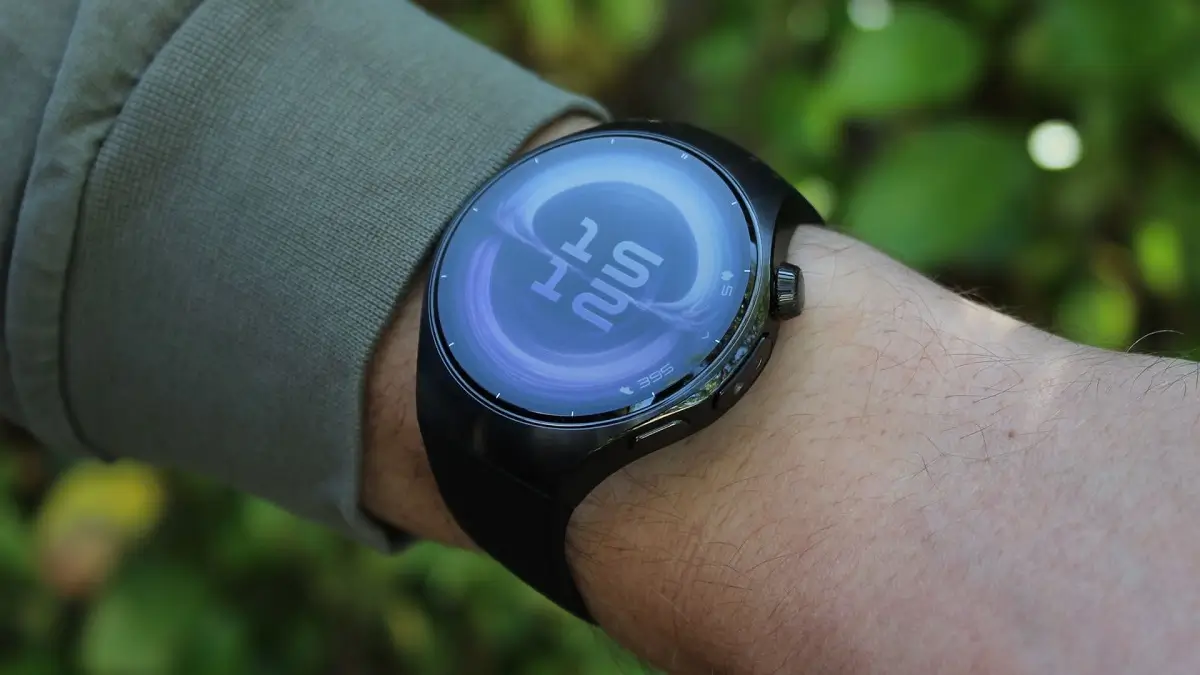
The latest software deployment for the Huawei Watch 5 is here, bringing the device up to HarmonyOS 6 version 6.0.0.119. This update is far more than a simple patch; it’s a comprehensive overhaul that refreshes the aesthetic, deepens fitness integration, and refines how users interact with their health data.
Fresh Visuals and Interactive Watch Faces
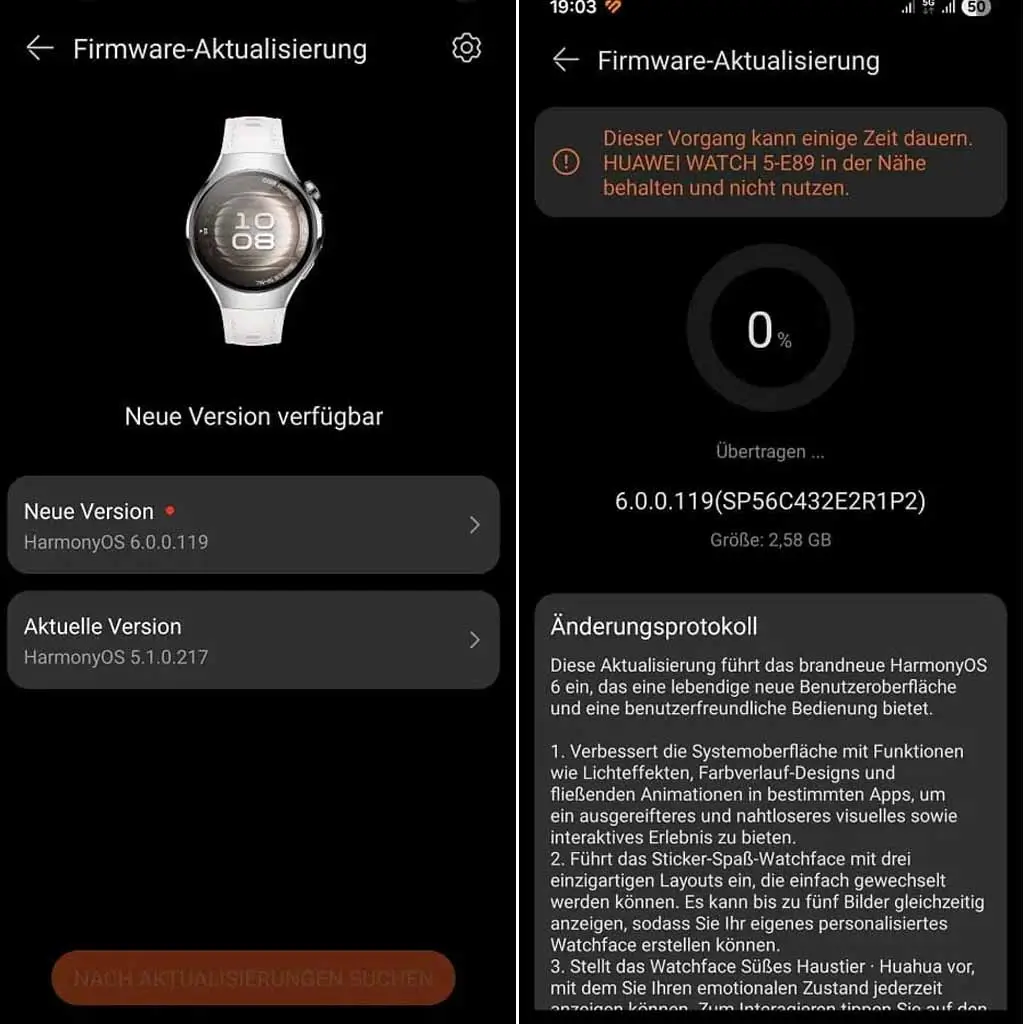
Huawei is leaning heavily into personalization with three distinct new watch face options. The Sticker Fun face allows for ultimate creativity, supporting up to five images simultaneously across three layouts. For those who want a digital companion, the Cute Pet Huahua face bridges the gap between utility and fun; it visualizes your current emotional state and offers interactive touch responses while still displaying vital stats like battery life and calendar events. Finally, the Modules 2025 face targets power users who need high-density data, offering customizable widgets and color schemes to match any style.
Advanced Emotional Wellbeing and Mental Health
The Emotional Wellbeing app has been completely redesigned to provide a more nuanced look at your mental state. By analyzing stress levels and physiological data, the app can now categorize your mood into 12 distinct emotions. To help manage high-stress moments, the update introduces guided breathing exercises led by an on-screen pet, making the process of finding “zen” a bit more approachable and engaging.
Optimizing the Workout Experience
Fitness enthusiasts gain several “quality of life” improvements in this build. A new shortcut settings screen is now accessible via a quick right swipe during active workouts, allowing you to tweak reminder volumes or settings without digging through menus. Furthermore, the Trail Running mode has been upgraded with a clearer elevation graph and segment-based navigation, while Golf Mode now features panoramic fairway views and improved distance measuring to help you navigate hazards like a professional.
Pro-Level Hardware Connectivity
In a significant move for serious athletes, the Watch 5 now supports direct connectivity with specialized external hardware. Users can pair the watch with heart rate monitors, power meters, speed sensors, and cadence sensors. This ensures that the data being captured is of professional grade, whether you are in standard operation or utilizing the specific Power Saving Mode menus.
Enhanced Power Saving Functionality
Huawei has significantly boosted what the watch can do while in its Power Saving Mode. The Contacts app now mirrors your entire phone list rather than a limited selection, and the “Phone” app now includes a full keypad for manual dialing when paired with a smartphone. The Calendar experience also gets a lift in this mode, adding full week and month views to the “Assistant: TODAY” screen so you don’t lose productivity to save battery.
System Refinements and Gesture Control
The overall UI feels more premium thanks to the introduction of gradient designs, lighting effects, and fluid animations across several native apps. On the functional side, smart hand gesture detection is now more accurate, and users can finally customize vibration intensity for alarms. A particularly clever addition is the “cover-to-mute” feature, which allows you to silence a morning alarm simply by placing your palm over the watch screen.
Note: This update is currently being released in stages. If you don’t see the prompt in your Huawei Health app yet, hang tight—it should reach all global regions within the coming days.
You May Also Like To Check Out: The New and Latest Smartwatches 2026