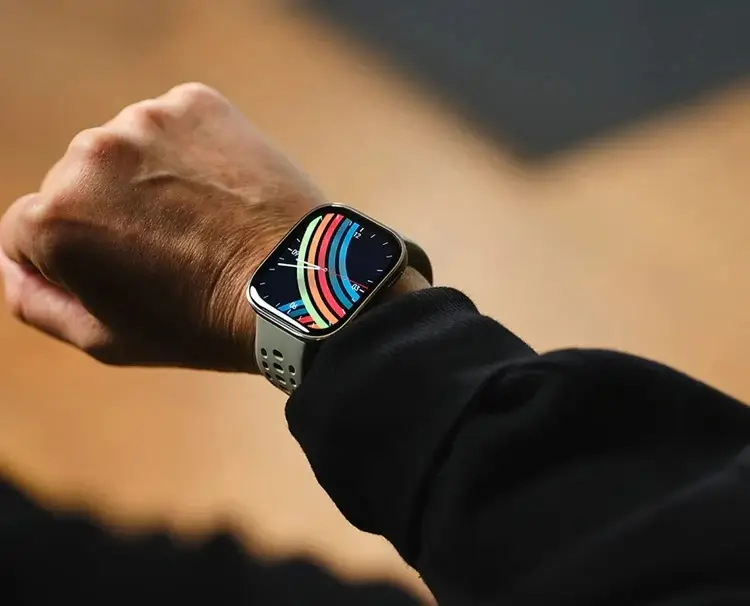
Amazfit has officially begun deploying a new software enhancement for its Bip 6 smartwatch lineup. The latest firmware, labeled as version 3.11.0.2, focuses on refining the user experience through a mix of health-tracking optimizations and much-requested system toggles.
Precision Sleep Tracking and Enhanced Accuracy
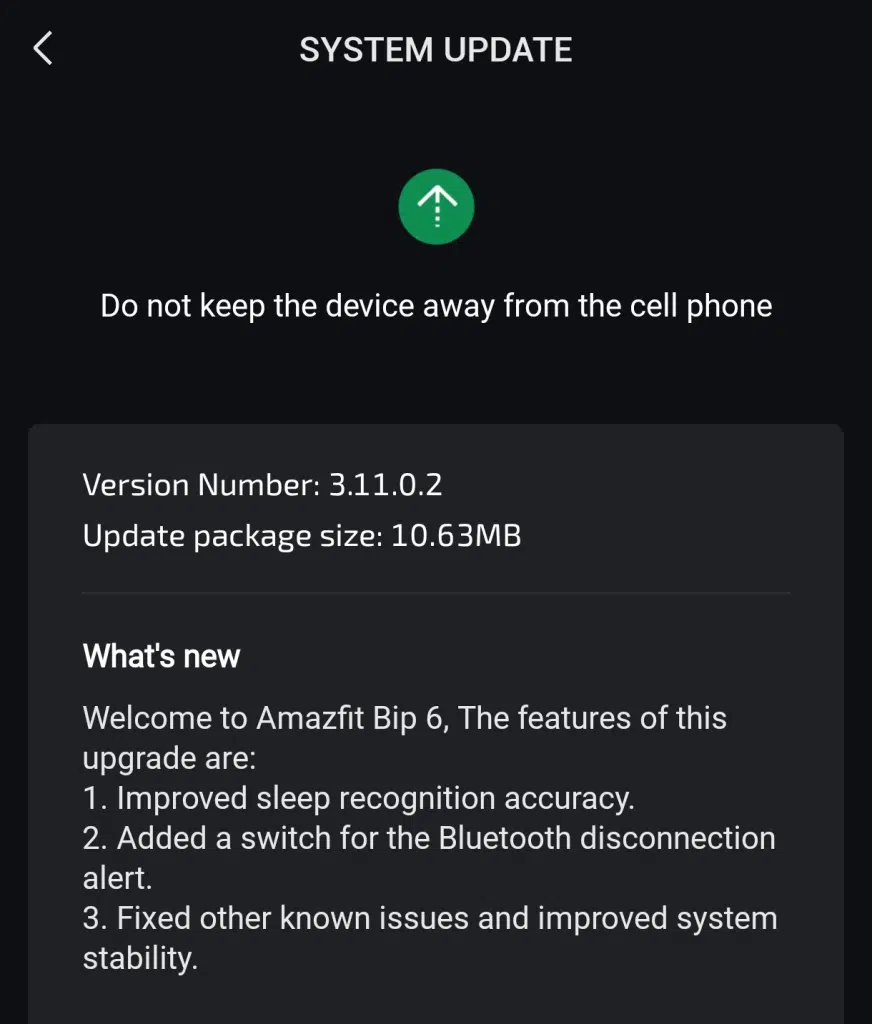
The standout feature of this release is the significant overhaul of the device’s sleep recognition algorithms. Users can expect more precise data regarding their nightly rest, as the update fine-tunes how the watch detects sleep stages and transitions. By reducing false positives and improving the sensitivity of the sensors during sedentary periods, Amazfit aims to provide a more authentic reflection of your recovery.
New Customization for Bluetooth Connectivity
Responding to community feedback, Amazfit has introduced a dedicated toggle for Bluetooth disconnection alerts. Previously, some users found the persistent notifications distracting when moving in and out of range of their smartphones. With this update, you now have the autonomy to enable or disable these haptic alerts via the settings menu, allowing for a more tailored and less intrusive notification environment.
Under-the-Hood Fixes and Stability Improvements
Beyond the headline features, version 3.11.0.2 addresses several “under-the-hood” bugs that were present in earlier builds. These general stability improvements are designed to smooth out the UI performance and ensure the operating system runs reliably during high-intensity workouts or long-term GPS usage.
Phased Global Rollout
As is standard with Amazfit releases, this firmware is being deployed in staged phases. While a portion of the user base has already gained access to the download, others may need to wait a few more days before the update appears in their region. To check for the update manually, ensure your Zepp app is up to date and navigate to the “System Update” section under your device settings.
You May Also Like To Check Out: The New and Latest Smartwatches 2026