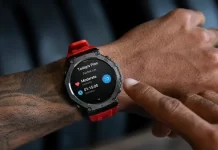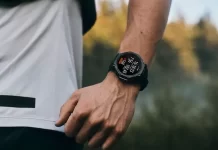
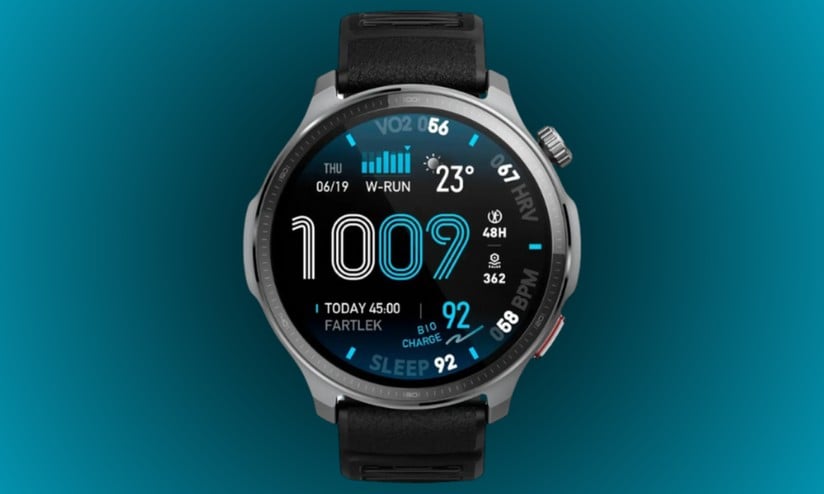
Amazfit has officially begun the rollout of a significant software refresh for the Amazfit Balance 2 XT. This latest firmware, labeled as version 2.16.0.1, focuses on expanding the wearable’s fitness versatility while introducing much-anticipated utility features that streamline daily use.
New Specialized Adventure Modes
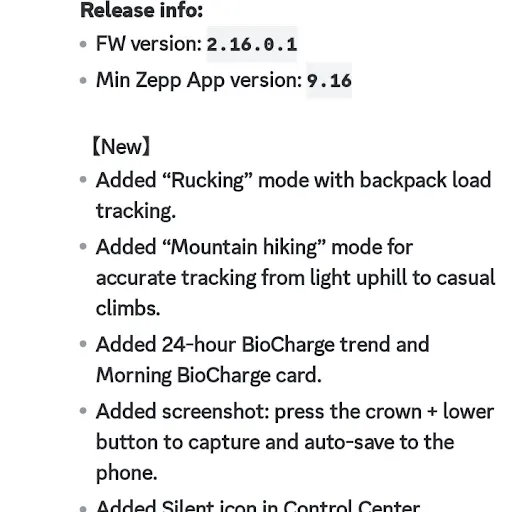
For the outdoor enthusiasts, this update introduces two distinct activity profiles designed for rugged terrain. The first is “Rucking” mode, which allows users to input their specific backpack weight for more precise calorie and exertion tracking. Additionally, a new “Mountain Hiking” mode has been integrated, optimized to capture accurate metrics across varying elevations, from steady inclines to more demanding casual climbs.
Advanced Health Monitoring with BioCharge
The health suite on the Balance 2 XT sees a notable upgrade with the introduction of BioCharge tracking. Users can now view a 24-hour BioCharge trend directly on their wrist, providing a comprehensive look at energy levels throughout the day. To help kickstart the morning, a new Morning BioCharge card has been added to the daily summary, offering immediate insight into your body’s readiness upon waking.
Practical Utilities and Navigation
Beyond fitness, Amazfit has added a layer of convenience to the user interface. A new Silent Icon has been placed within the Control Center for quicker access to do-not-disturb settings. Perhaps most useful is the new Screenshot functionality; by simultaneously pressing the physical crown and the lower button, users can capture their screen. These images are then automatically synced and saved to the connected smartphone for easy sharing or record-keeping.
Availability and Deployment
As is standard with Amazfit releases, firmware version 2.16.0.1 is being deployed in phased batches. While a segment of the user base has already reported receiving the notification, others may need to wait several days before the update appears in the Zepp app. Owners are encouraged to check for updates manually if they haven’t yet been prompted.
You May Also Like To Check Out: The New and Latest Smartwatches 2026