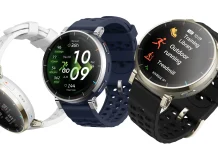
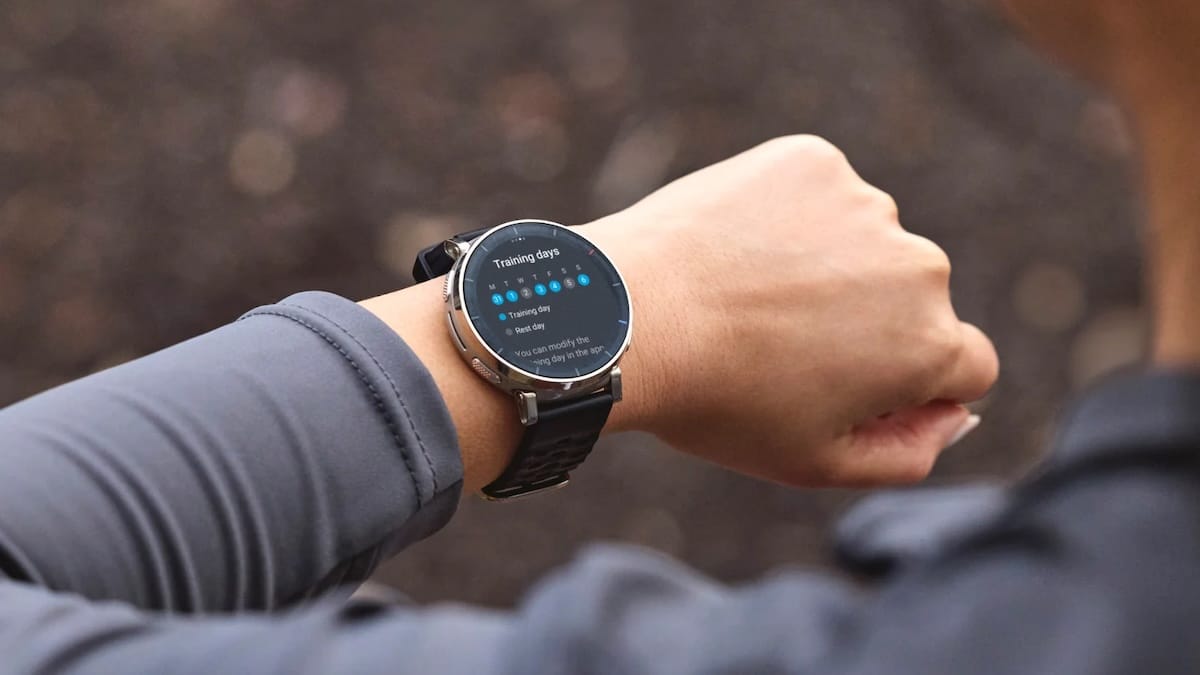
Amazfit has officially begun the software rollout for its latest high-performance wearable, the Active 3 Premium. This inaugural update, identified as firmware version 3.7.0.6, is designed to transform the device from a standard fitness tracker into a more robust tool for competitive athletes and data-driven runners.
Advanced Metrics for Competitive Running
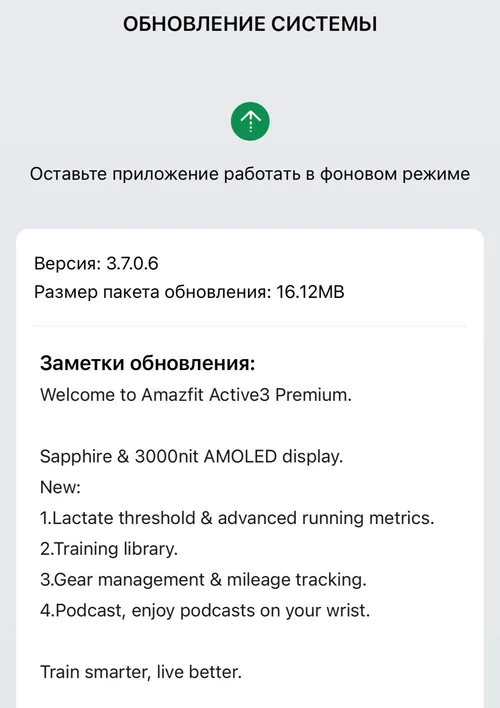
The centerpiece of this update is the introduction of several high-level physiological markers, most notably Lactate Threshold detection. This is a significant milestone for the brand, as the Active 3 Premium is the first Amazfit device to support this specific endurance metric.
In addition to the lactate threshold, the firmware unlocks other critical data points for analyzing running form and efficiency, including:
-
Running Power: Measuring the effort exerted in watts.
-
Ground Contact Time: Tracking how long the foot remains on the floor during a stride.
While these features are currently exclusive to the Active 3 Premium, there is no word yet on whether Amazfit plans to back-port these advanced metrics to older models in the GTR or T-Rex series.
Enhancing the Ecosystem: Gear Management and Libraries
Beyond biometrics, the update introduces “Gear Management” to the Zepp ecosystem. This feature allows runners to pair specific pieces of equipment—such as different pairs of running shoes—to the watch. The system can then automatically track the cumulative mileage on each accessory, helping users know exactly when it is time to replace their gear to avoid injury.
The update also includes a new Training Library, giving users a centralized hub to manage workouts, and a dedicated Podcast app. The inclusion of the podcast feature follows its successful debut on the T-Rex 3 earlier this year, allowing for a more entertaining phoneless workout experience.
How to Install the 3.7.0.6 Update
Owners of the Active 3 Premium can access these new features immediately through the Zepp companion app. To initiate the download:
-
Open the Zepp App on your smartphone.
-
Navigate to the Profile tab.
-
Select your Amazfit Active 3 device.
-
Tap on System Update to check for and install the new firmware.
As this is an “out-of-the-box” style update for many new owners, it is highly recommended to perform this sync before heading out for a first run to ensure all new metrics are being tracked accurately from day one.
You May Also Like To Check Out: The New and Latest Smartwatches 2026