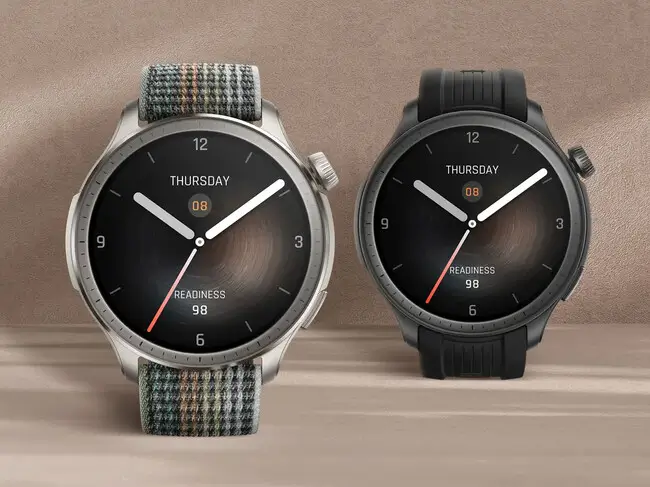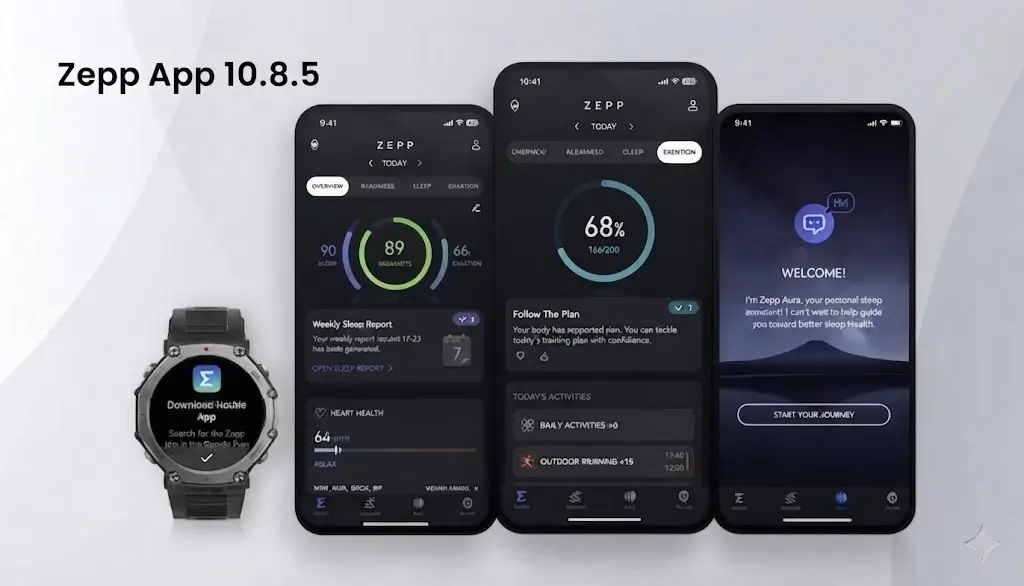

If you use an Amazfit smartwatch or fitness band, a brand-new update is rolling out for your phone. Amazfit has just released the Zepp App version 10.8.5, and it brings some really helpful changes. While it keeps things fresh, the biggest upgrades in this version are all about maps and planning your outdoor adventures.
Here is a simple look at everything new packed into this latest update.
A Fresh Look for Health Tracking
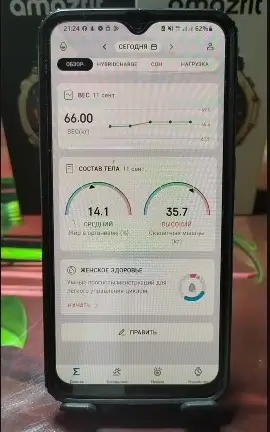
When you first open the app, you might notice a small visual change on your main screen. Amazfit has completely updated the design and layout of the menstrual cycle tracking widget, giving it a brand-new look that is cleaner and easier to read.
Easier Hyrox Race Lookups
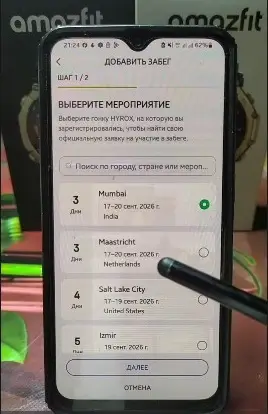
For those who love fitness competitions, the app makes checking your event details a bit smoother. If you head into the Hyrox section, you can search for upcoming races you have registered for—such as an event in Mumbai—by simply typing in your first and last name. This lets you view your official entry and race details right inside the app.
Massive Upgrades for Offline Maps
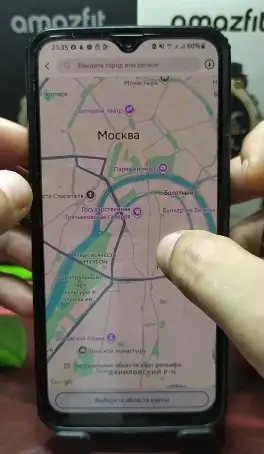
The standout feature of Zepp 10.8.5 is how completely it changes offline maps. Amazfit has added a detailed map review mode that gives you much more control over your route planning.
-
Zoom In Deep: You can now zoom in incredibly close on the map to see specific street names, roads, and small icons before deciding to save it.
-
Check Downloaded Areas: Any map sections you have already saved on your phone now show up inside a clear boundary frame. Tapping on them lets you instantly check details like the file size.
-
Quick Long-Press Downloads: Instead of digging through small menus, you can just do a long-press on any spot in the detailed map view to instantly trigger the download prompt for that specific area.
-
Download Maps in Pieces: A brand-new grid selection button splits the map into smaller blocks. This means you no longer have to download a massive square region—you can pick and choose exact smaller pieces to save storage space on your device.
Brand-New Location Icons for Routes
If you like to create custom routes and drop waypoints, you are going to get a lot more choices. The route creation tool now includes a huge list of new location icons.
You can now tag your saved spots with specific icons for things like chalets, campfires, picnic tables, public restrooms, EV charging stations, gas stations, convenience stores, and even medical gear like defibrillators. Right now, these icons live in the phone app, but users are hoping a future watch update will bring them directly to the wrist.
Have you updated your Zepp app to version 10.8.5 yet? Let us know what you think of the new map features down in the comments!
You May Also Like To Check Out: The New and Latest Smartwatches 2026