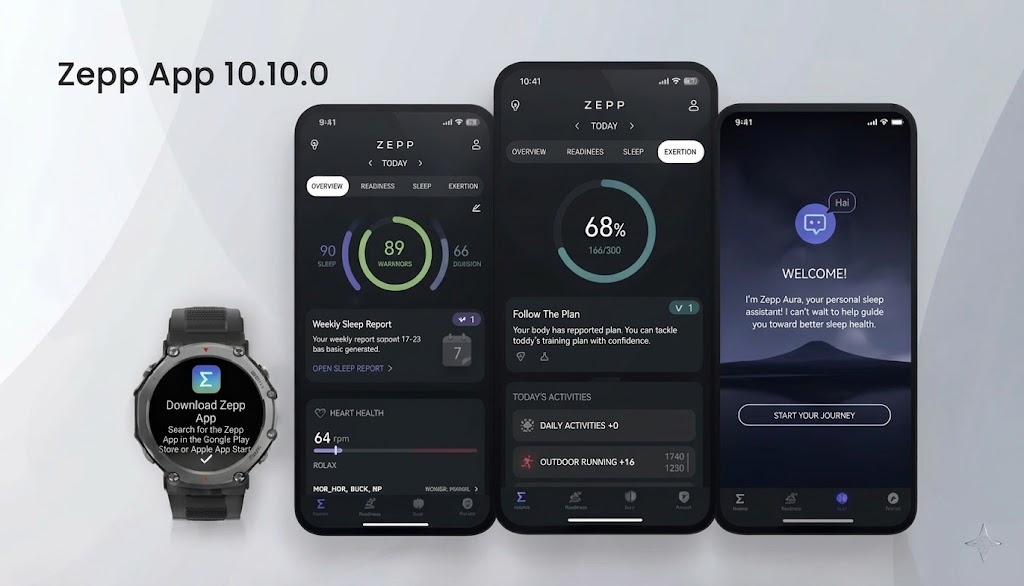
The Zepp application has received a major upgrade for outdoor enthusiasts with the release of version 10.10.0. If you use an Amazfit smartwatch for hiking, running, or exploring, this update finally introduces long-awaited waypoint management tools that bridge your phone and your watch.
Let’s break down everything new included in this update.
1. The New “My Waypoints” Section
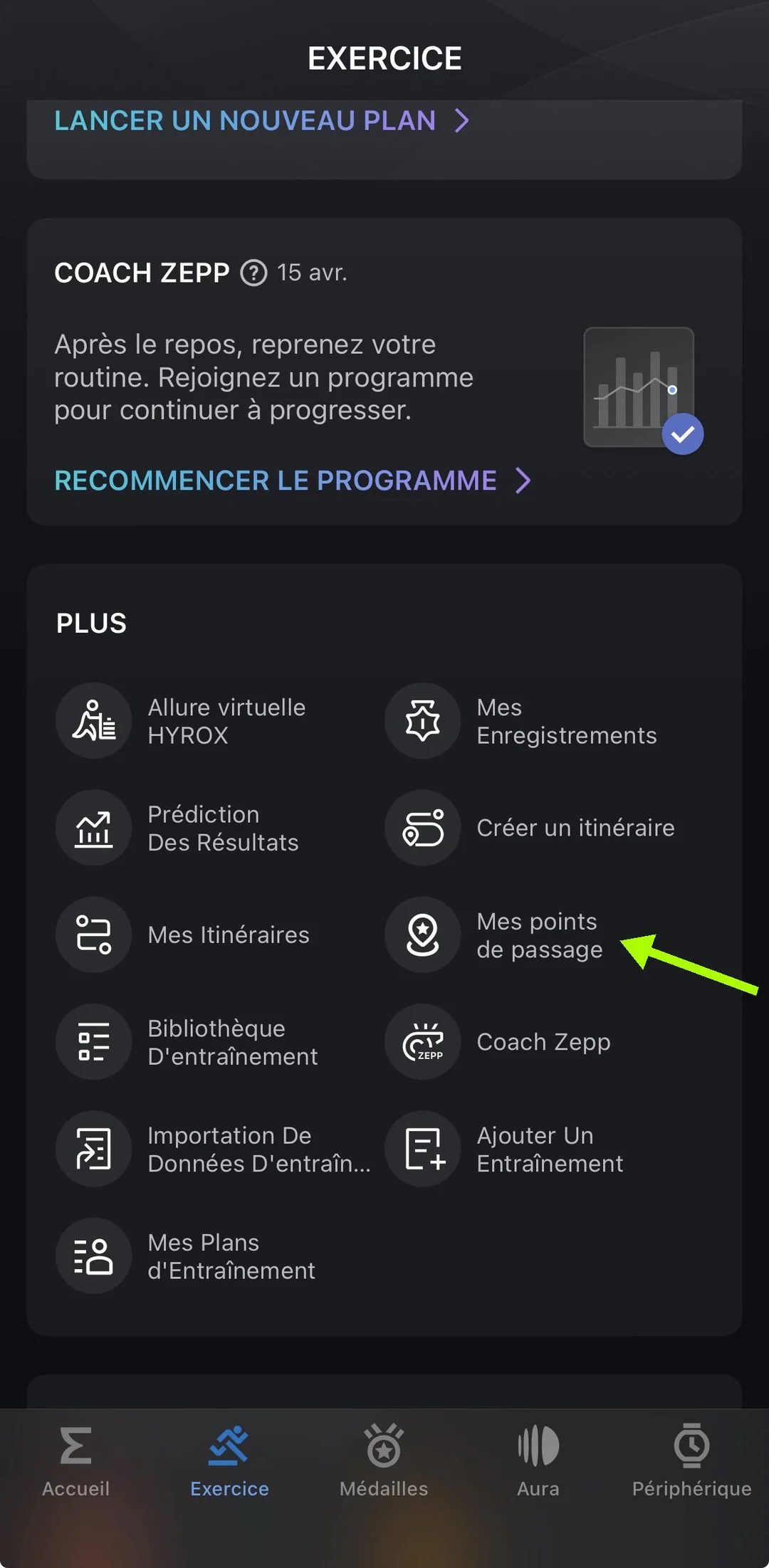
Version 10.10.0 introduces a dedicated menu called My Waypoints, located under the Workout tab in the “More” section.
When you open this new menu, you will see a map at the top and a complete list of your saved waypoints at the bottom. Any point you save on your watch, whether during an active workout, through the map, or via POI (Point of Interest) search, now automatically syncs over to the Zepp app.
Each item in your list displays:
-
Custom icon and name
-
Elevation and altitude data
-
City, postal code, and country information
-
Creation date and exact time
-
Precise geographic coordinates
2. Two-Way Instant Syncing
One of the best improvements in this release is seamless two-way syncing between your Amazfit watch and the Zepp app:
-
From Watch to App: Save a point on your watch during a workout, and it appears instantly in the app’s waypoint list in real time.
-
From App to Watch: Drop a new point directly on the map inside the Zepp app, name it, choose an icon, and save it—it instantly pushes and shows up on your watch.
3. Custom Waypoint Renaming and Editing
Previously, waypoint management felt limited because you were stuck with default or generic labels. With version 10.10.0, you can finally rename your waypoints.
By tapping on any waypoint in the app and hitting the edit button, you can change its icon, give it a custom name, and save it. The updated name instantly updates on both your phone and your watch.
If you want to clean up your lists, you can also delete unwanted points directly from the Zepp app by swiping left on a waypoint and tapping the trash icon, which removes it from both the app and your wearable simultaneously.
4. Advanced Routing and Navigation Features
The update goes beyond just storing and renaming points by integrating waypoints directly into route creation:
-
Set as Starting Point: You can select any saved waypoint, tap “Set as Starting Point,” choose a workout mode (like walking), and build a custom route starting right from that exact marker.
-
“Navigate Here” Routing: Tapping “Navigate Here” on a waypoint instructs the app to instantly draw a route from your current real-time GPS location straight to that saved point, setting it as your destination finish line.
-
Combining Multiple Points into a Route: You can chain multiple saved waypoints together. By selecting a starting point and then tapping “Add to Route” on subsequent saved points, the app strings them together into a continuous custom path.
(Note: While you can build complex paths using your saved waypoints, the app still requires you to place arbitrary free-hand route points directly onto an existing path rather than anywhere random on the map.)
5. Minor UI Translation Tweaks
Aside from the massive upgrade to waypoint controls, version 10.10.0 includes a minor text translation fix for the feature that lets you rearrange module tiles on the home screen page.
Final Thoughts
Zepp App 10.10.0 is a massive win for anyone who relies on Amazfit watches for outdoor navigation. Being able to view, rename, organize, and route between waypoints right from your smartphone makes planning outdoor adventures significantly easier.
You May Also Like To Check Out: The New and Latest Smartwatches 2026